
Follow these simple steps to sign into the SMpicnic Control Panel.
- Navigate to your email and open our "Your Minecraft Server has Arrived!" email.
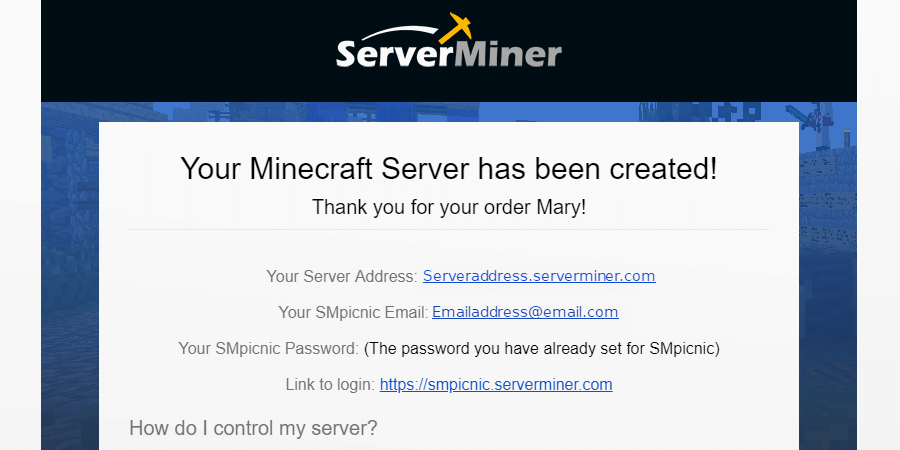
- Click the link in the email or this link.
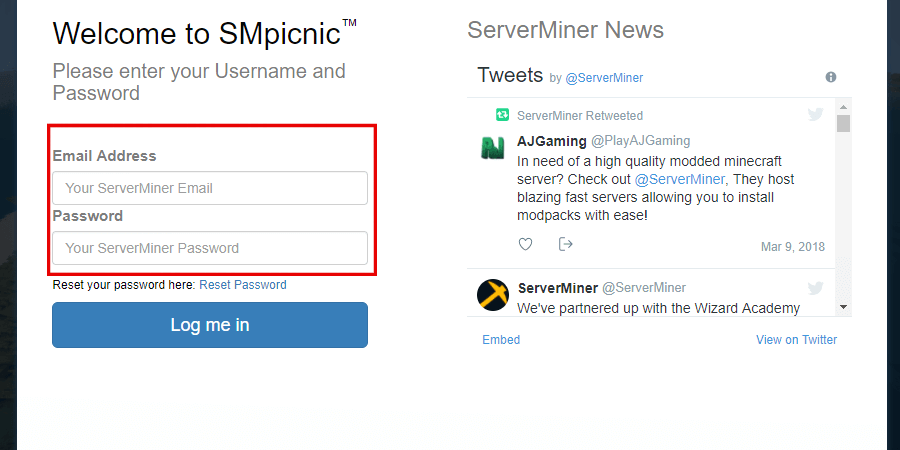
- Enter your Email and Password into the fields.
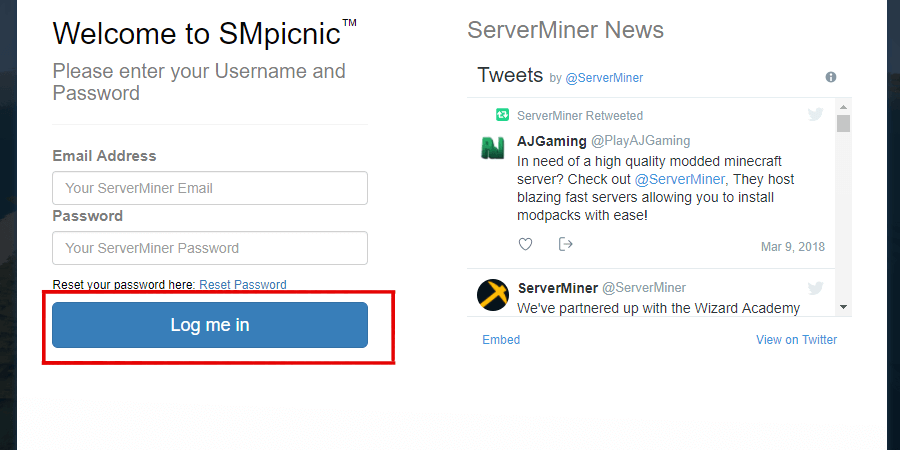
- Click Log me in
- Finished! You are now logged into the SMpicnic Control Panel. Happy mining! ⛏️